TechDays 2017 - Dockerizing .NET Core
16 February 2017 - Docker, .NET, VSTS
Agenda
What do VSTS, Windows, Linux, Azure, Angular 2, and .NET Core have in common? Correct, they work best if you mix in a little bit of Docker. In this live coding session, long-time Azure MVP Rainer Stropek shows you the power of Docker by using it to create an end-to-end, cross-platform web solution.
- He will start by creating a RESTful Web API with ASP.NET Core and package it into a Docker image.
- You will see how Rainer uses a VSTS build agent running in Docker to do CI/CD for Docker images in the Docker Hub.
- Next, Rainer will build an Angular 2 web front end for our service. You will see how you can smoothly test this multi-container app on your Windows 10 development machine using Linux containers with Docker for Windows.
- Last but not least, Rainer will walk you through publishing the Web API as well as the web app in Azure App Service.
Be prepared for a fast-paced coding session that might change your view on what’s possible if you combine the best of Microsoft, Linux and Docker.
Intro: What is so great about Docker?
Super short Docker intro for those of you who are not so familiar with Docker.
-
Awesome startup time -> new possibilities compared to VMs:
docker run -it --rm ubuntu -
Describe how Docker manages to achieve this performance.
Tip: I have lots of other demos and some of my Docker workshop slides available on GitHub -
Docker containers can be short-lived:
docker run --rm ubuntu /bin/bash -c "ls -la" -
Docker container can mount folders of the host:
Tip: Note how you can set the working directory using the-wswitch
echo Hi TechDays > greet.txt
docker run --rm -v C:\temp\TechDays2017:/local -w="/local" ubuntu /bin/bash -c "ls -la"
- Docker containers can run detached in the background:
docker run -d --name background ubuntu /bin/bash -c "while (true); do echo Ping; sleep 1; done;"
docker ps
docker logs background
docker rm -f background
-
This was just
ubuntu. What about other images?
docker search nginx
Shownode,php,openjdkon Docker Hub
docker images -
Speak about how Docker for Windows is working in the background
Docker and Microsoft
-
Microsoft has built Docker on Windows with Windows containers. However, not our focus today.
- Microsoft builds images. Examples:
- Speak about different flavors of
microsoft/dotnetimage
Build .NET Web API Using Docker Containers
- Let’s play with .NET Core 1.1 in Docker:
docker run -it --rm -v C:\temp\TechDays2017\backend:/app -w="/app" microsoft/dotnet:sdk /bin/bash

dotnet new
dotnet new sln
dotnet new web --framework netcoreapp1.1
dotnet sln app.sln add app.csproj
dotnet add app.csproj package Microsoft.AspNetCore.Mvc
dotnet add app.csproj package Microsoft.AspNetCore.Cors
exit
- Cleanup
Startup.csto keep the sample clean:
using Microsoft.AspNetCore.Builder;
using Microsoft.Extensions.DependencyInjection;

namespace app
{
    public class Startup
    {
        public void ConfigureServices(IServiceCollection services)
        {
            services.AddMvc();
        }

        public void Configure(IApplicationBuilder app)
        {
            app.UseCors(builder => builder.AllowAnyHeader().AllowAnyMethod().AllowAnyOrigin());
            app.UseMvc();
        }
    }
}
-
Add
.UseUrls("http://*:80")toProgram.csso that it uses port 80 instead of 5000 and it listens not only onlocalhost -
Add sample controller in
NameGeneratorController:
using System;
using System.Collections.Generic;
using Microsoft.AspNetCore.Mvc;

public class NameGeneratorController : Controller
{
    private static readonly IList<string> firstNames = new [] {
        "John", "Jane", "Tim", "Adam", "Karen", "Frank", "Joseph",
        "Andrew", "Bill", "Steve", "Simon", "Jennifer", "Kim"
    };
    private static readonly IList<string> lastNames = new [] {
        "Drake", "Doe", "Miller", "Huber", "Forrester", "Smith", "Philips",
        "Romero", "Wilder", "Frankenstein", "Washington", "Gates"
    };

    [HttpGet]
    [Route("api/names")]
    public IActionResult Generate([FromQuery] int? numberOfNames)
    {
        numberOfNames = numberOfNames ?? 5;
        var rand = new Random();
        var result = new List<string>(numberOfNames.Value);
        for (var i = 0; i < (numberOfNames ?? 5); i++)
        {
            result.Add($"{firstNames[rand.Next(firstNames.Count)]} {lastNames[rand.Next(lastNames.Count)]}");
        }

        return this.Ok(result);
    }
}
-
Build solution in short-lived Docker container:
docker run --rm -v C:\temp\TechDays2017\backend:/app -w="/app" microsoft/dotnet:sdk /bin/bash -c "dotnet restore && dotnet build && dotnet publish -c release" -
Run solution in Docker container:
Tip: Note how you can map ports from the container to the host with the-pswitch
docker run -d -v C:\temp\TechDays2017\backend\bin\Release\netcoreapp1.1\publish:/app -w="/app" -p 8080:80 --name api microsoft/dotnet:runtime /bin/bash -c "dotnet app.dll" -
Create
Dockerfilefor web API:
FROM microsoft/dotnet:runtime
COPY bin/Release/netcoreapp1.1/publish /app
EXPOSE 80
WORKDIR /app
CMD ["dotnet", "app.dll"]
- Build, show and run image
docker build -t rstropek/techdaysapi .
docker images
docker run -d -p 8080:80 --name api rstropek/techdaysapi
docker ps
docker logs api
-
Push image to Docker Hub and show it there:
docker push rstropek/techdaysapi -
Mention Visual Studio Tools for Docker
Build Automation with VSTS
-
Show microsoft/vsts-agent on Docker Hub
-
Show PAT in VSTS
-
Run VSTS agent in Docker container:
Note: Replace the token included in the following statement with your personal access token from VSTS. This token is no longer valid.docker run --rm -e VSTS_ACCOUNT=rainerdemotfs-westeu -e VSTS_TOKEN=ghbruo7xdy4xsjqhbkifpgmndkmfs6wj7dfe2qihy4jeaydbe4gq -v /var/run/docker.sock:/var/run/docker.sock --name vsts-agent microsoft/vsts-agent -
Show backend code that is already in VSTS (prepared before session because of time restrictions)
- Create new build process in VSTS
- Variable
imageName=rstropek/techdaysvstsbuild - Build image with image name
$(imageName) - Push image with image name
$(imageName) - Queue build process
- Variable
- Show image in Docker Hub
Build Frontend
- Generate Angular app
ng init --skip-tests
ng generate component list-names
- Implement
list-namescomponent:
<h1>Names</h1>

<ul>
  <li *ngFor="let n of names"></li>
</ul>
import { Http } from '@angular/http';
import { Component, OnInit } from '@angular/core';
import { environment } from '../../environments/environment';

@Component({
  selector: 'app-list-names',
  templateUrl: './list-names.component.html',
  styleUrls: ['./list-names.component.css']
})
export class ListNamesComponent implements OnInit {
  public names: string[] = [];

  constructor(private http: Http) { }

  ngOnInit() {
    this.http.get(environment.apiUrl)
      .subscribe(res => this.names = res.json());
  }

}
-
Add new coomponent to
app.component.html:
<app-list-names></app-list-names> -
Add to
environment.ts:
Tip:apiUrl: "http://localhost:8080/api/names" -
Add to
environment.prod.ts:
apiUrl: "https://techdaysapi.azurewebsites.net/api/names" -
Add
"poll": 1000,todefaultsinangular-cli.json -
Run dev server in a Docker container (demo auto-reload):
docker run --rm -v C:\temp\TechDays2017\frontend:/app -p 4200:4200 -w="/app" node /app/node_modules/.bin/ng serve --host=0.0.0.0 -
Build app in short-lived container:
docker run --rm -v C:\temp\TechDays2017\frontend:/app -w="/app" node /app/node_modules/.bin/ng build -
Create
Dockerfilefor web frontend
: Note: This Dockerfile for Angular is very much simpified. In practice, you need additional settings. Google has lots of examples for nginx configurations for Angular…
FROM nginx
COPY dist/* /usr/share/nginx/html/
- Create
.dockerignoreto limit build context.
*
!dist
- Build, show and run container.
docker build -t rstropek/techdaysui .
docker images
docker run -d -p 8080:80 --name api rstropek/techdaysapi
docker run -d -p 8081:80 --name ui rstropek/techdaysui
docker ps
-
Mention Docker Compose
-
Build prod version of ui, package it and push it to Docker Hub:
docker run --rm -v C:\temp\TechDays2017\frontend:/app -w="/app" node /app/node_modules/.bin/ng build -prod
docker build -t rstropek/techdaysui .
docker push rstropek/techdaysui
Web App in Azure
-
Add Web App on Linux in Azure
techdaysapi.azurewebsites.net -
Get image from Docker Hub
rstropek/techdaysapi -
Show working web service at http://techdaysapi.azurewebsites.net/api/name
Content

Tags
.NET (40) ADC (1) Android (1) Angular (4) AngularJS (3) ASP.NET (7) ASPNET Core (1) ASPNET (1) Assembler (1) Azure (62) BASTA (2) Blazor (2) C# (35) C (1) CLI (2) Cloud (1) CoderDojo (1) Conferences and Workshops (2) Container (4) CPP (3) CSharp (5) DevOps (2) Docker (12) Documentation (1) DotNet (1) ECMAScript (1) GAB (1) HTML (2) HTML5 (2) Iron Python (1) JavaScript (3) JWT (1) Markdown (1) MEF (3) Microservices (3) Microsoft (2) Minecraft (2) Mobile (2) Node (1) Node.js (2) NPM (1) OData (5) Presentations (4) Project Management (2) Registry (1) Roslyn (2) Silverlight (3) Software Quality Days (1) SPA (1) SQL (3) SQLCE (1) SVG (1) TechDays (1) Techorama (1) Testing (1) TFS (9) time cockpit (4) TypeScript (18) Visual Studio (37) VSCode (1) VSTS (2) WebAssembly (2) Windows (1) WPF (9) Yarn (1)Authors
Related Posts
Techorama Belgium 2019 - Session Material
24 May 2019 - Docker, CSharp, Blazor, Angular, WebAssembly, Techorama
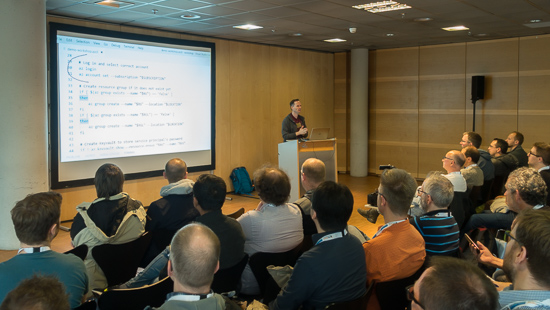
This year, I was again speaker at Techorama Belgium. I did a full-day workshop about Containers in Azure, one session about Angular, and one about Blazor. In this blog post I share the material and recordings of my talks.
Container on Azure and CSharp Spans at dotnet Cologne
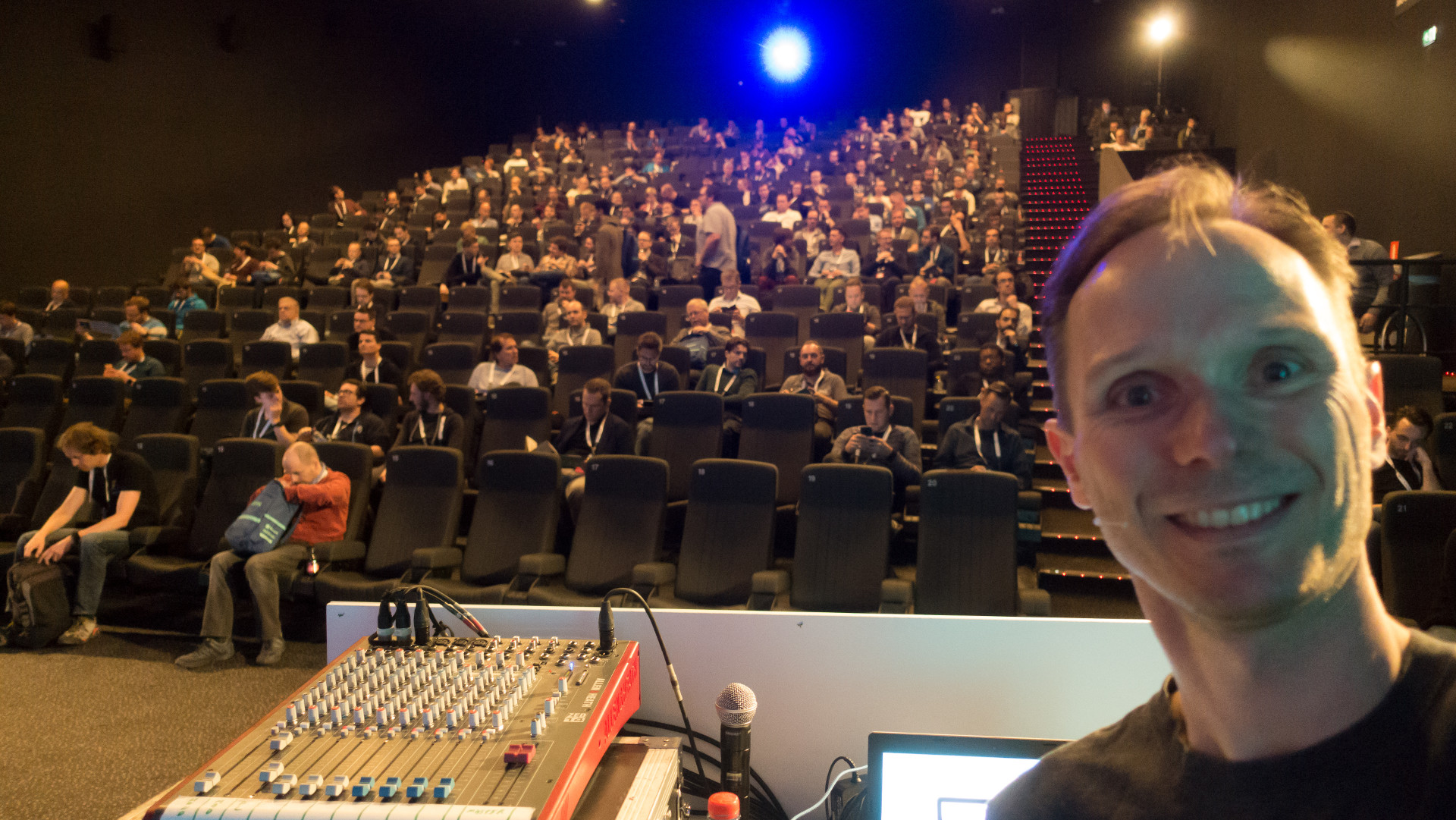
Yesterday, I was at dotnet Cologne speaking about Container on Azure and Spans in CSharp. As every year, it was a great conference. Impressive, what community can do. In this post I publish links to the material I used in my sessions.
Building a Tiny Docker Image
28 April 2019 - Docker, Container, Assembler
Tomorrow, I will do a session at a high school for computer science. They asked me to speak about Docker container and related technologies like Kubernetes. In the session, I want to highlight that containers are not just VMs. So I decided to build a tiny, tiny Docker image using assembler language.